


 Tweet
Tweet

OOZOON TUTORIALS
[TUTORIAL] How to install IPTV on OOZOON
September 11, 2018
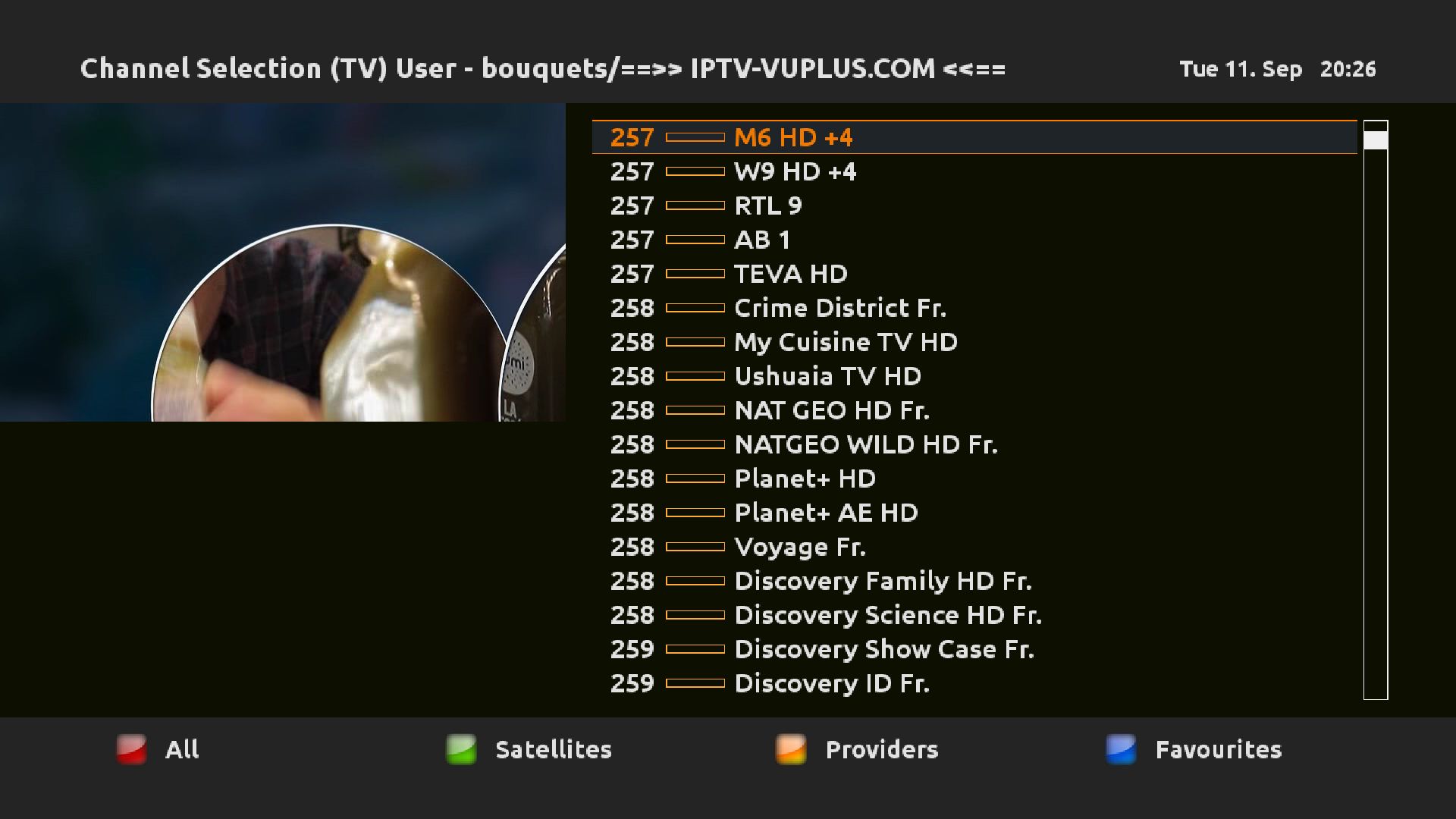
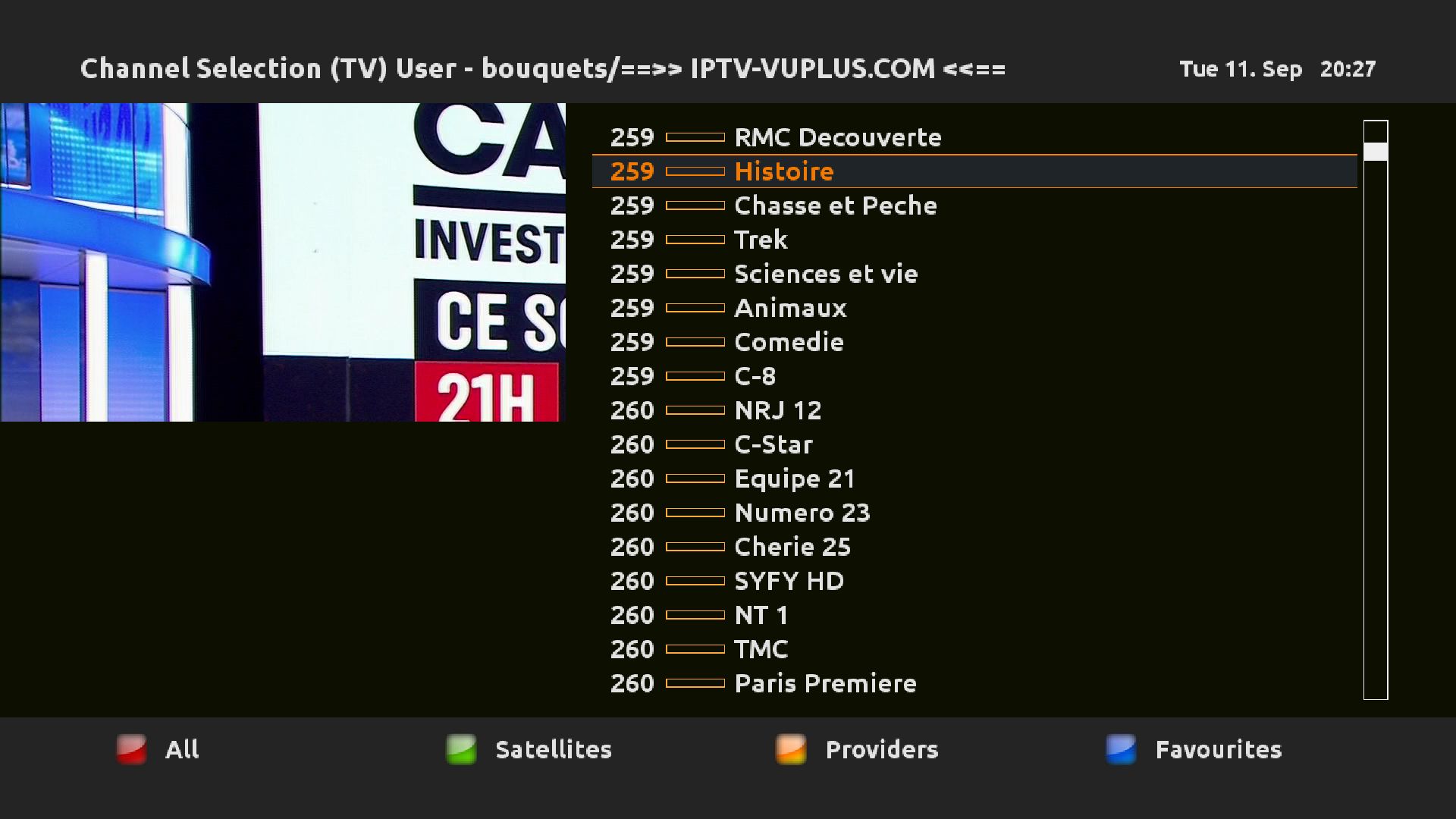
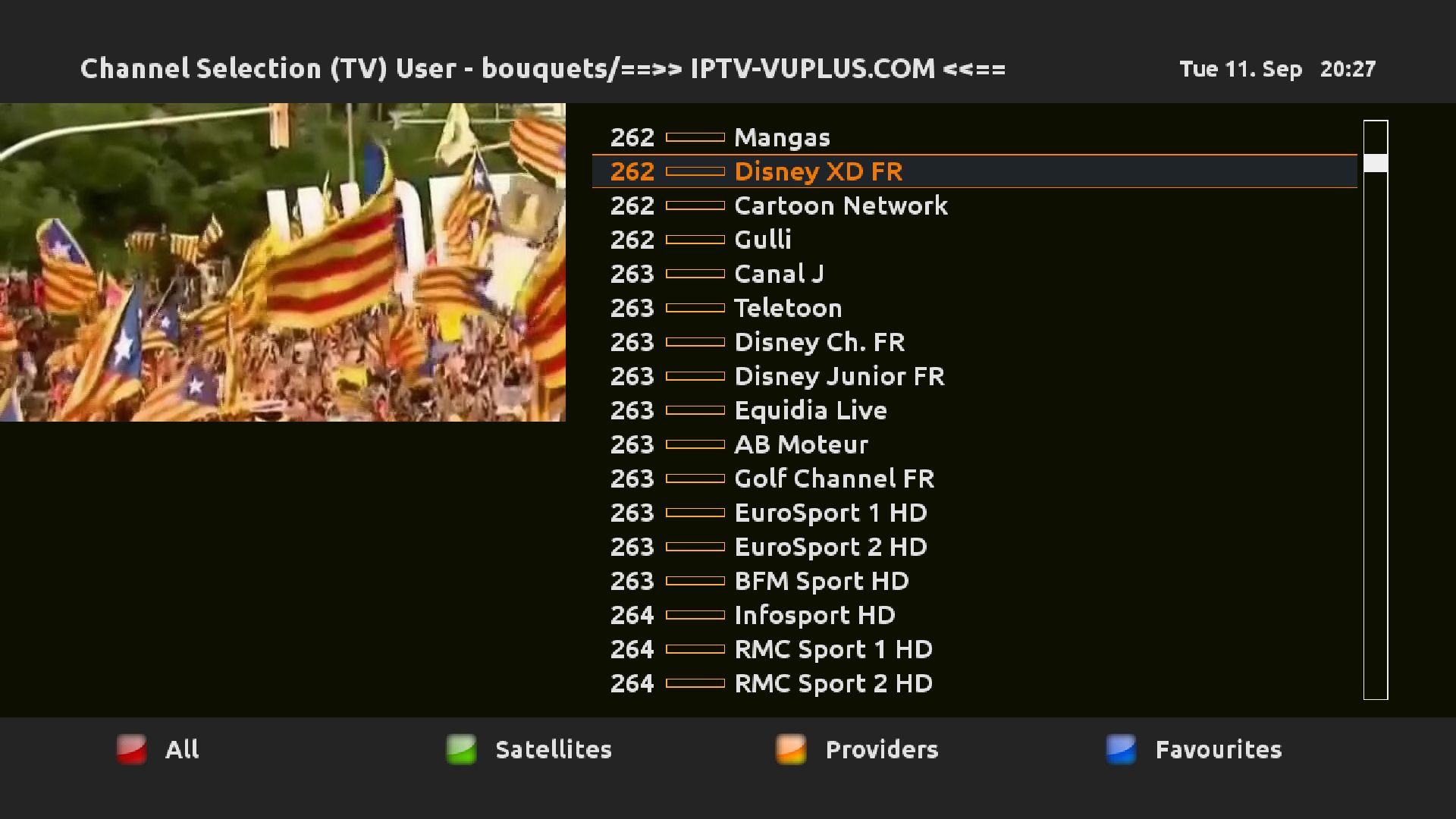
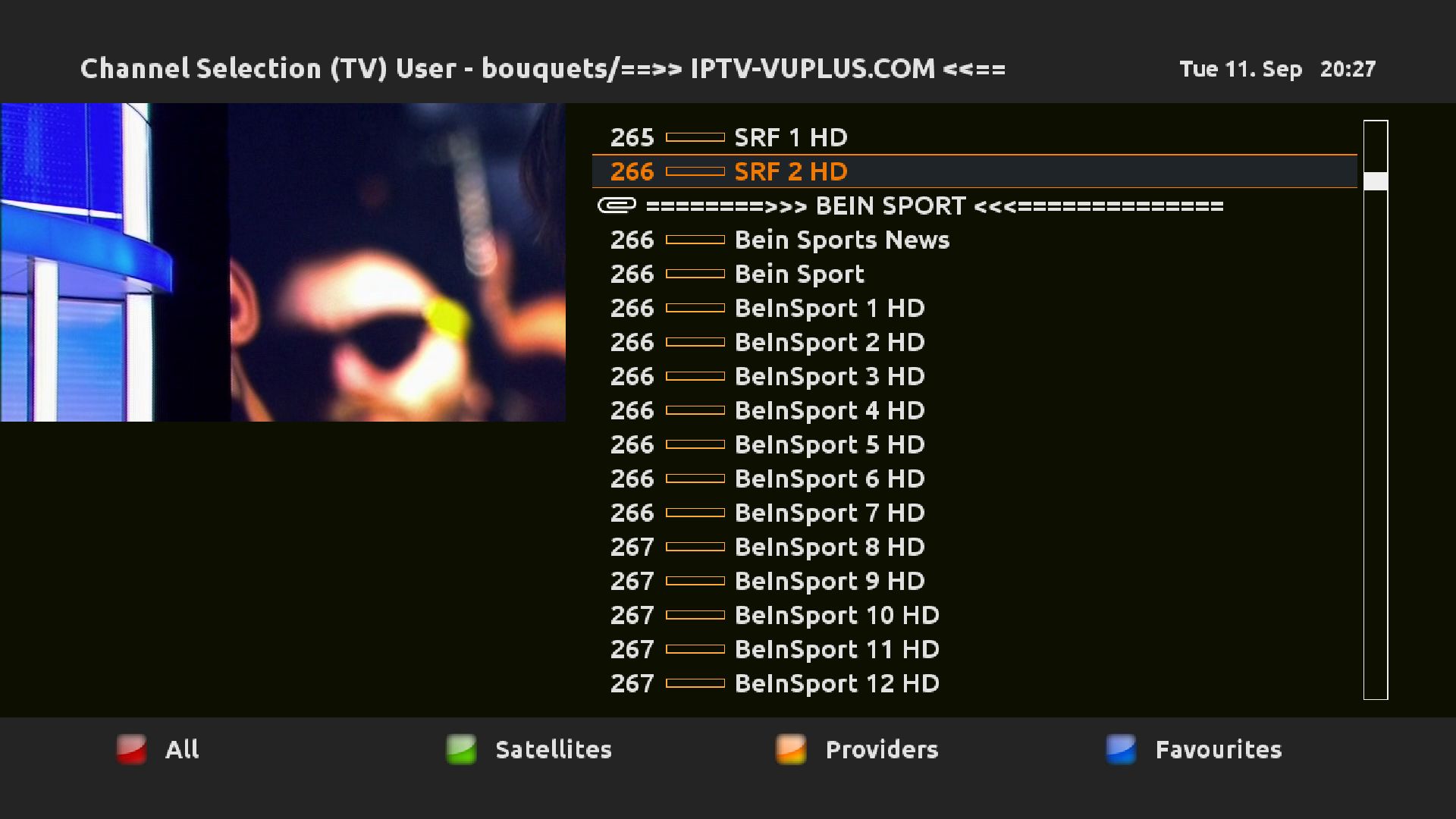
Here is a tutorial on the installation and configuration of IPTV subscription on decoder under a OOZOON image .
IMPORTANT: This tutorial is valid for all versions of OOZOON.
For this tutorial you need.
Dreambox DM920, DM900, DM7080, DM820, DM525, DM520
Software:
Winscp

IPTV subscription
If you do not have a IPTV subscription you can order it here
1- Copy of the IPTV subscription
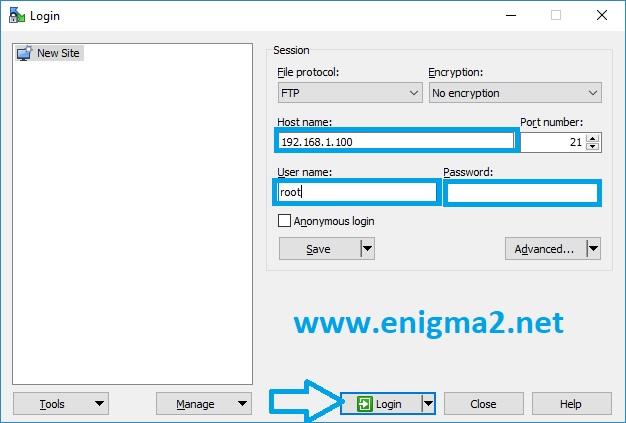
– Launch WINSCP in the home window
File protocol: FTP
Hot name: 192.168.1.100 (ip address of your Dreambox)
User name: root
Password:
After clicking on Login
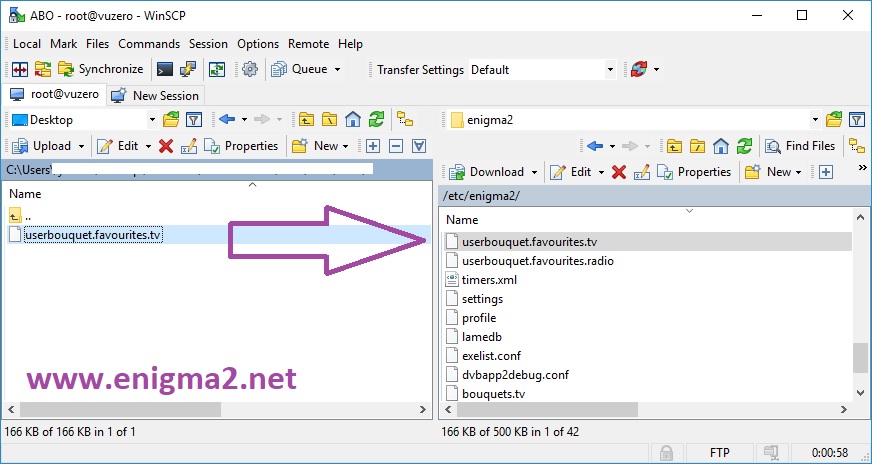
Select the file userbouquet.favourites.tv and click drag between the two windows to the folder /etc/enigma2.
Then restart your receiver
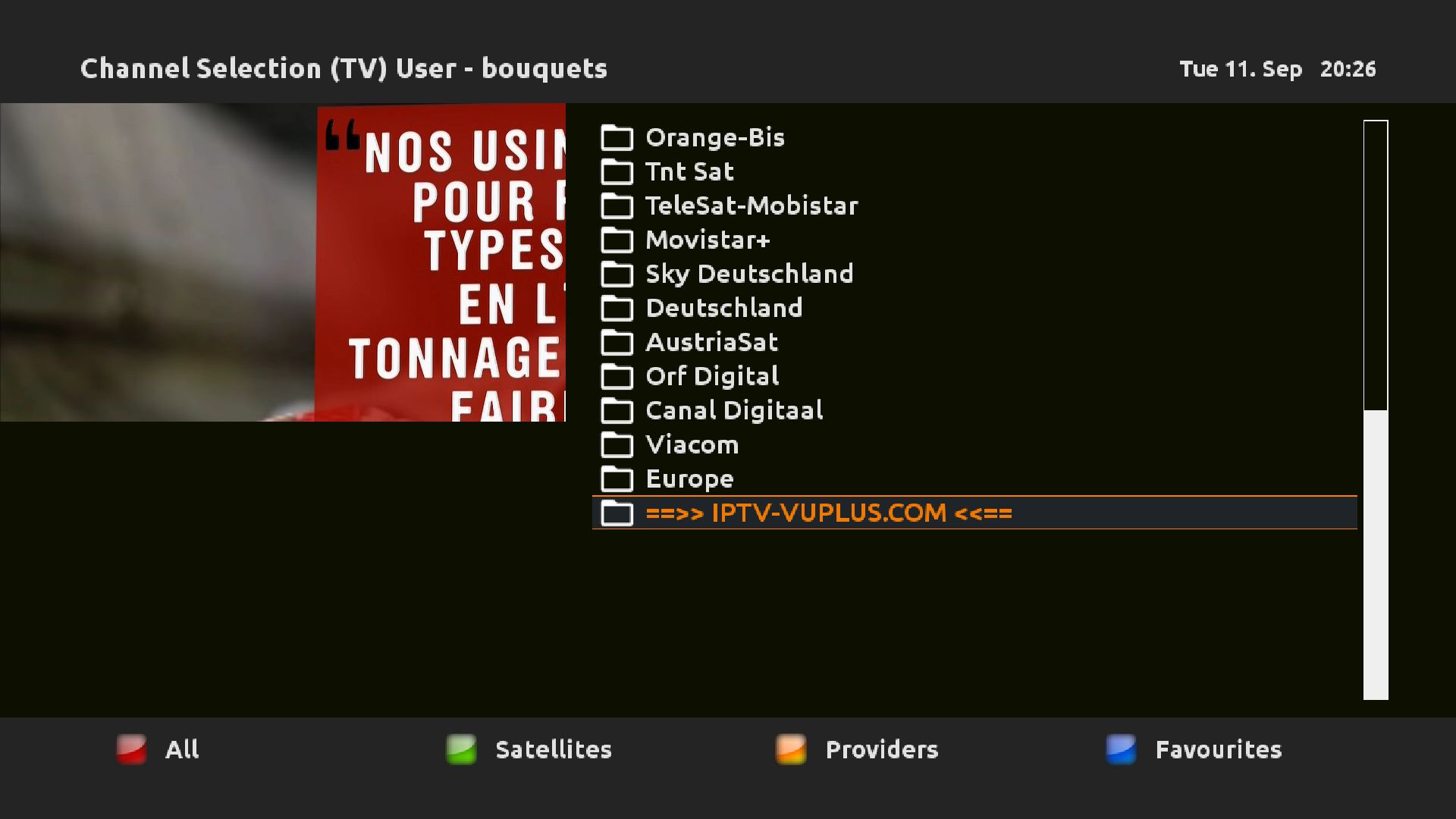
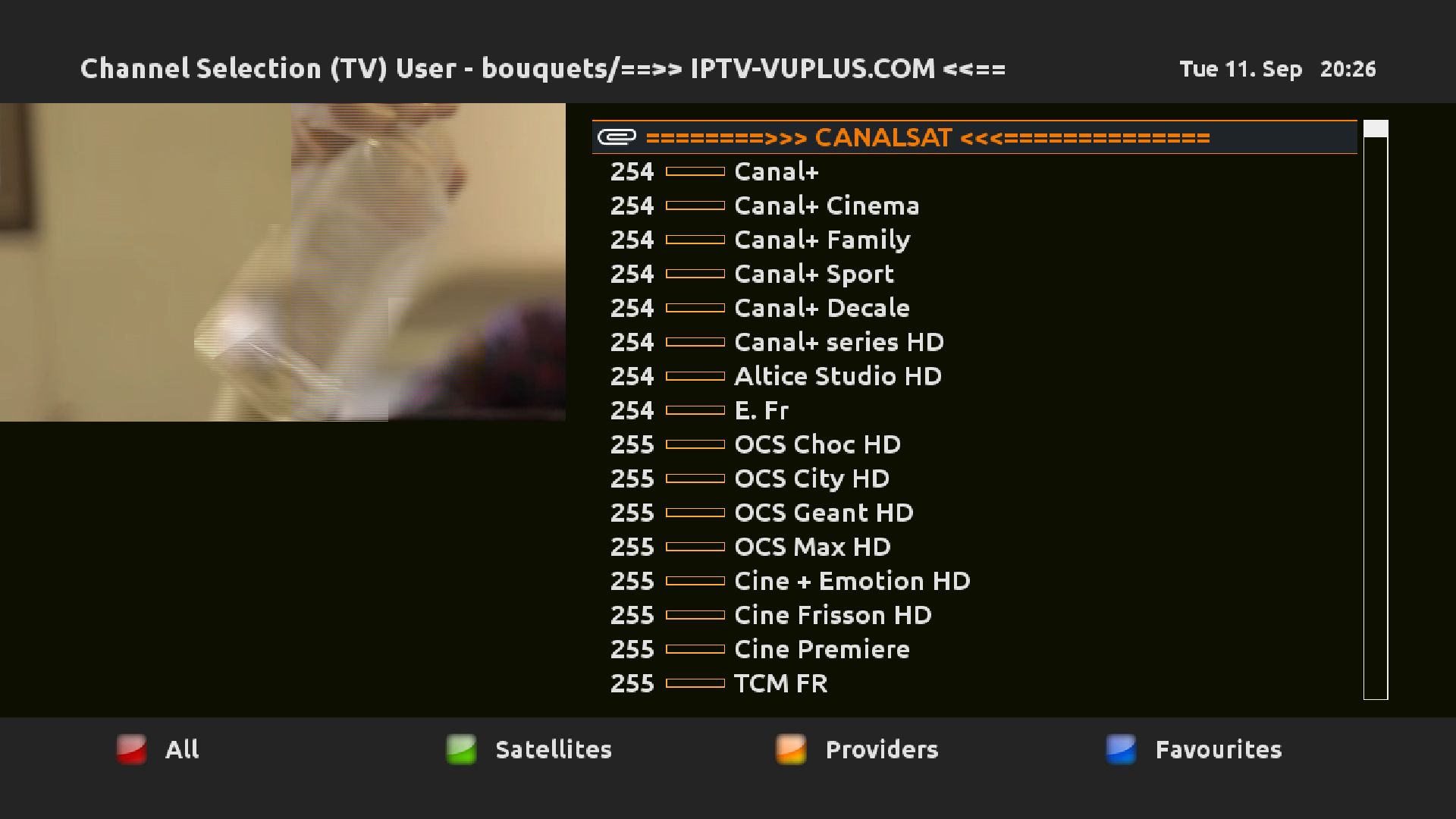
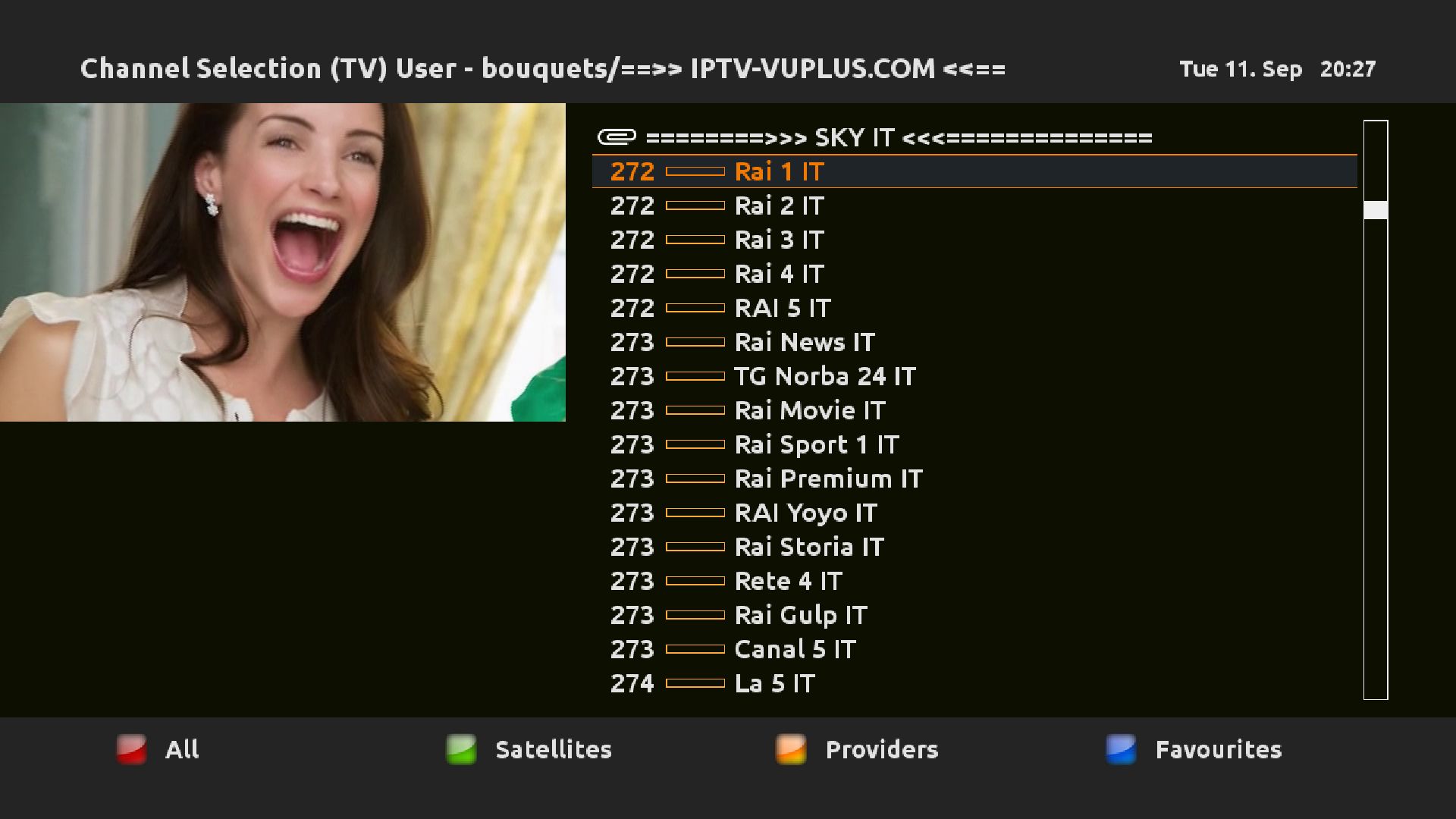
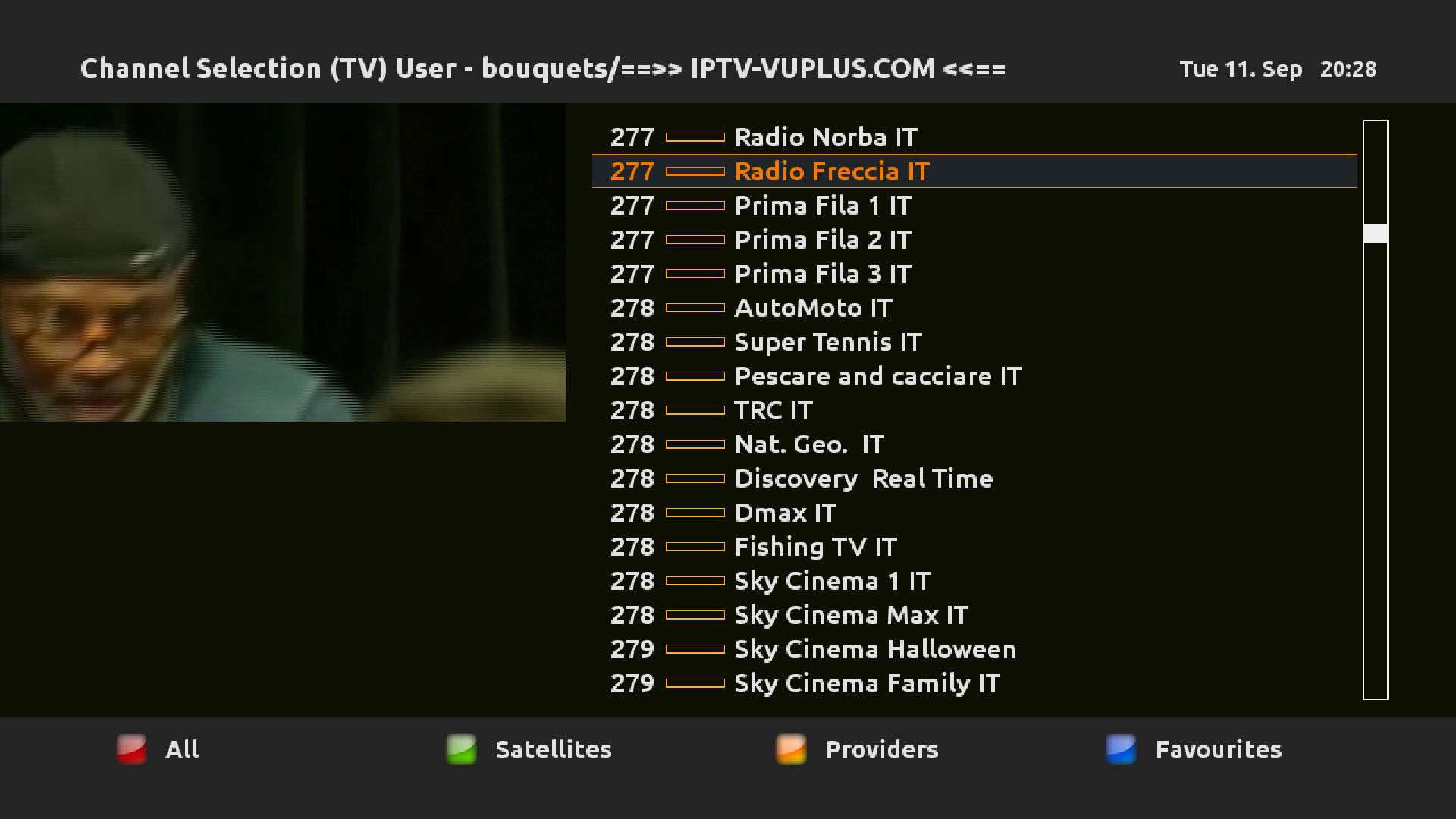
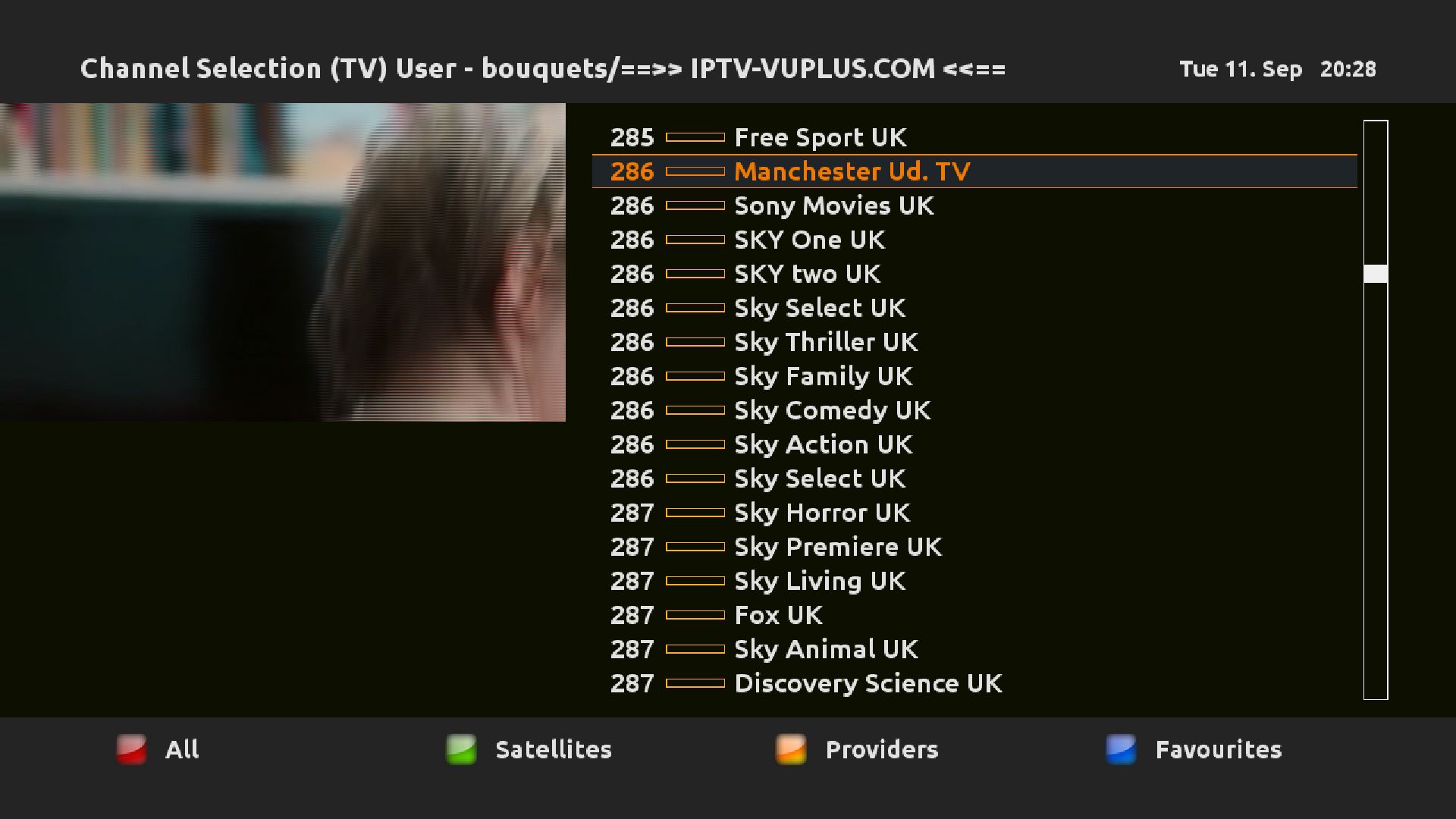



Video TEST
Post Views: 14